Monthly IT Plans
Managed IT Services in Las Vegas, NV
If nobody owns the updates and the backups, nobody is doing them.
Managed IT Services for Las Vegas Businesses
Managed IT services put your computers, servers, network and backups under one provider for a set monthly fee, with a help desk for staff. Managed IT Support Las Vegas arranges plans for local offices. Call or email contact@manageditsupportlasvegas.com for a scope.
The alternative is called break-fix. Something dies, you call someone, you pay by the hour. It feels cheaper. It is not, because nobody is watching between the breaks.
Between the breaks is where the damage builds. Skipped patches. A backup drive that filled up in spring. An antivirus license that lapsed.
Managed service is the unglamorous fix. A checklist, run every week, by someone who is paid whether or not anything is on fire.
Why Choose Us for Managed IT Services?
Work You Can Verify
Patch reports and backup logs are sent to you. Trust is fine. Proof is better.
Heat and Power Checked
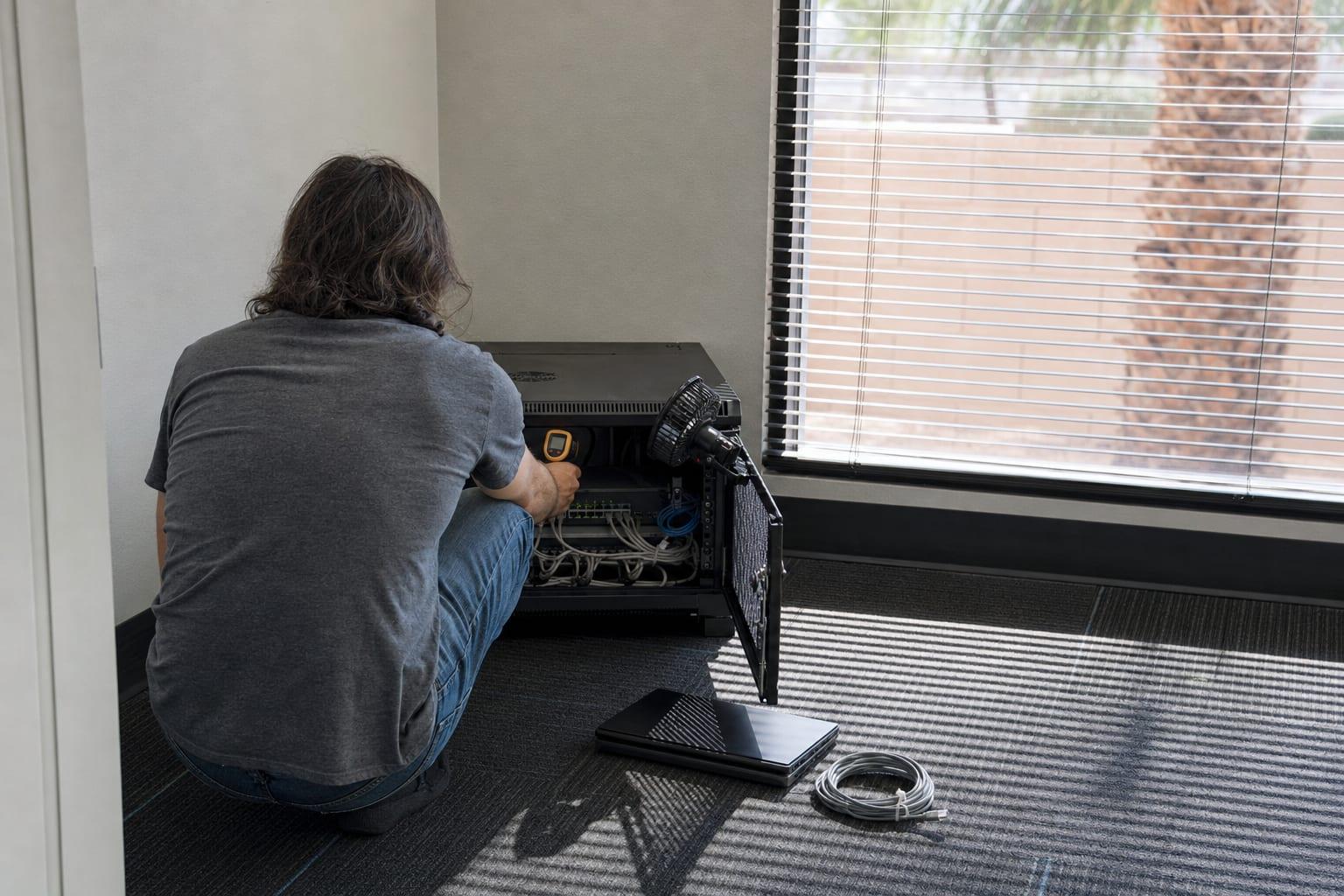
Closet temperature, battery backup age and surge protection are part of onboarding in a desert climate.
Offboarding Without Gaps
When someone leaves, every login is closed, including the ones people forget.
Documentation You Own
The network map, passwords and license list are kept current and are yours.

What Managed IT Services Include
Plans differ, so read the scope. These six lines should be in it. If one is missing, ask why.
Patching on a Schedule
Security updates go on every machine weekly or monthly, with a list of any that failed.
Monitored Backups
Backup jobs are checked daily. A failed job raises a ticket and does not sit silent for months.
Endpoint Security
Managed antivirus or detection software on every computer, watched from a central console.
Help Desk Access
Staff call or email one place. Tickets are tracked so nothing gets forgotten.
Network Monitoring
The firewall, switches and access points are watched for failures and kept on current firmware.
Regular Review
A short meeting on a set cadence covering what broke, what is aging and what to budget for.
How Managed IT Onboarding Works
Intro Call
Headcount, locations, main software and current pain.
Inventory
Every device and account is listed and its condition noted.
Scope and Quote
Covered items, exclusions and the monthly figure, in writing.
Cleanup
Overdue updates, dead accounts and broken backups come first.
Ongoing Service
Monitoring, help desk and scheduled reviews from then on.
Talk to a Las Vegas Managed IT Team
Send the headcount and a rough device count for a scope.
Call (725) 338-8981Get a Free Quote
No obligation.

Managed IT Services Cost in Las Vegas
| Pricing Model | Price | Watch For |
|---|---|---|
| Per user each month | Custom quote | Whether shared and part-time accounts count |
| Per device each month | Custom quote | Servers and firewalls billed at a higher tier |
| Onboarding fee | Custom quote | How much cleanup the first month needs |
Per-seat prices published online are averages from other cities and other years. Yours depends on the count and the condition of what you own. Compare quotes by exclusions first, price second.

Managed IT Services Questions
How much should managed IT services cost?
Managed IT services should cost a monthly amount tied to your user count, device count and coverage hours. Most providers bill per user or per device. A quote given before anyone inventories your equipment is a guess, so expect a site review first.
What is co-managed IT support?
Co-managed IT support splits the work between your own IT person and an outside provider. Your person keeps the daily requests and knows the business. The provider adds monitoring, patching, security tools and cover for vacations. The scope says who owns what.
How to choose a managed IT provider?
Choose a managed IT provider by reading its scope, not its sales page. Check that patching, tested backups and security tools are listed, that coverage hours match yours, and that exit terms return your passwords. Then ring its help desk line and see who answers.
Do managed IT services include on-site support?
Some managed IT plans include on-site visits and others bill each trip. Most daily problems are fixed remotely either way. Look in the scope for the words on-site, and for any limit on visits per month, before you compare prices.
More Ways We Help
- IT Support
- Small Business IT Support
- IT Company
- IT Services
- Managed Service Provider
- Conference Room AV
- Cybersecurity
- Security Camera Installation
- IT Consulting
- Network Support
- Access Control
- Penetration Testing
- HIPAA Compliance
- Business Phone Systems
- Structured Cabling
- IT Help Desk
- Remote IT Support
- IT Onboarding and Offboarding
- Application Support
- Printer Support